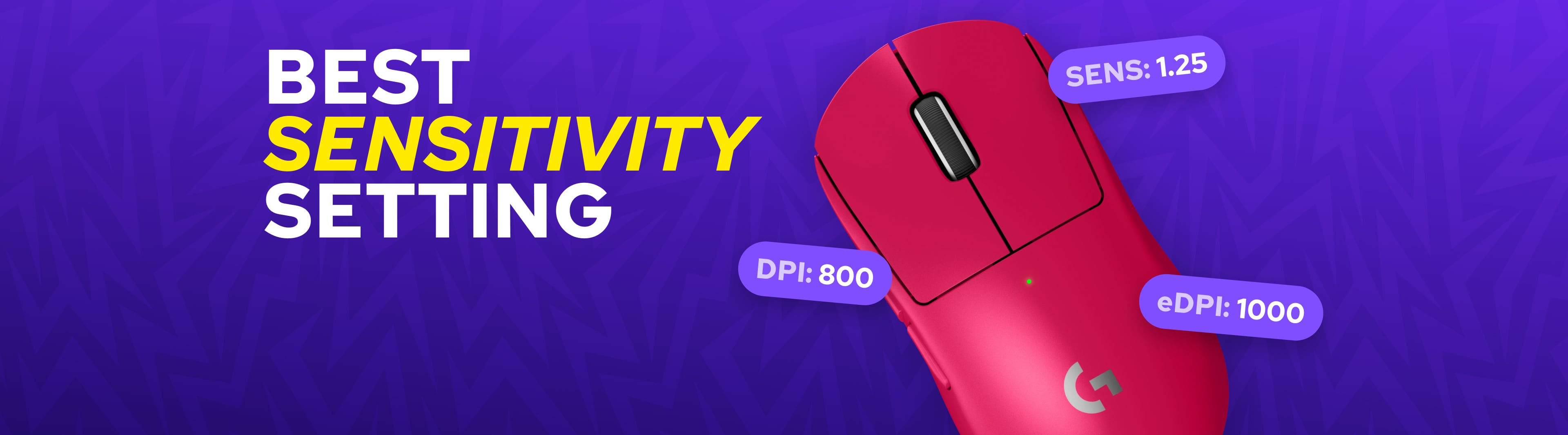
Best CS2 Sensitivity Settings: Find Your Perfect DPI and Aim Setup
Best CS2 Sensitivity and DPI Settings
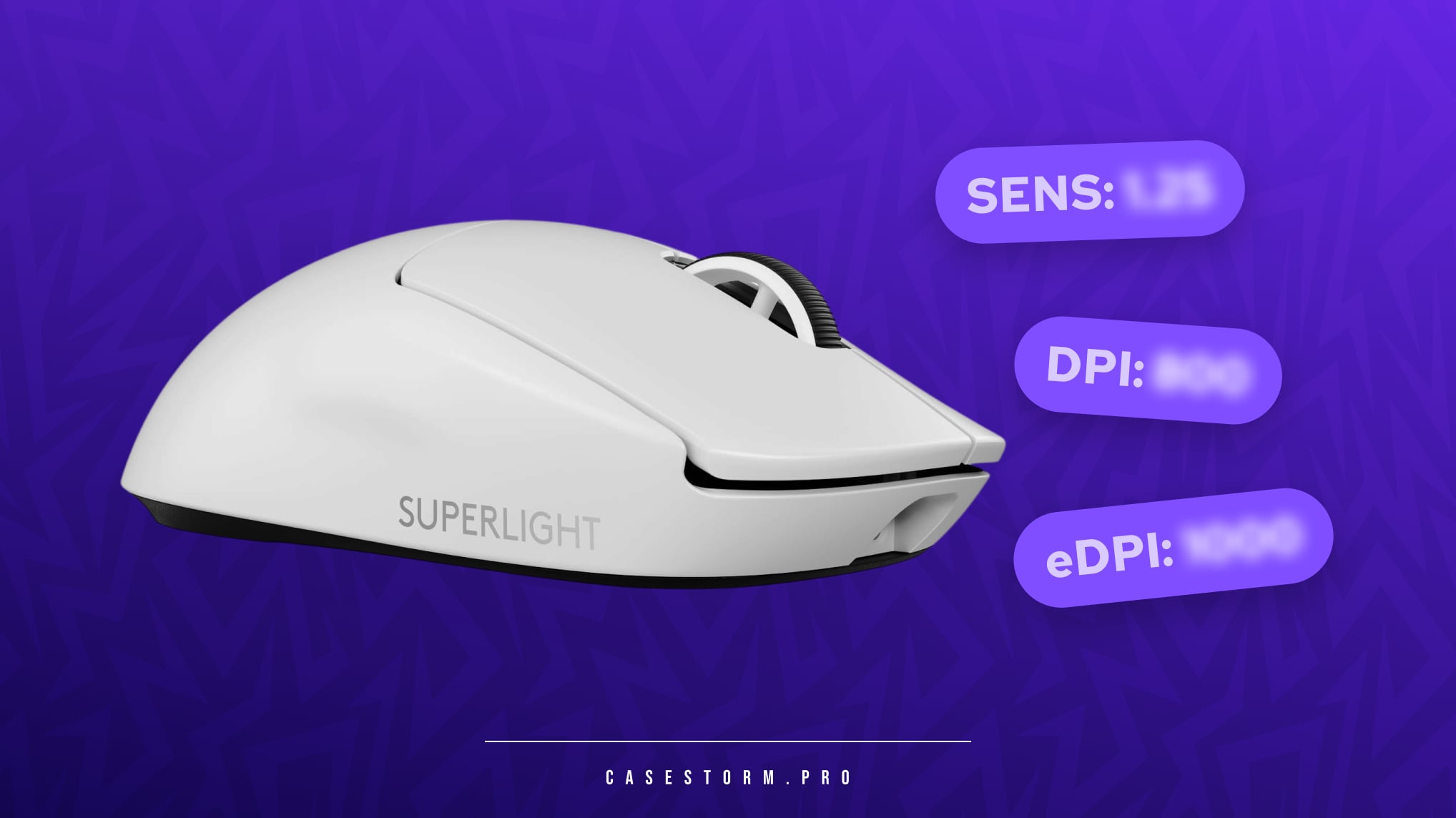
To find the best sensitivity for CS2, it's important to understand the relationship between DPI and in-game sensitivity.
DPI (Dots Per Inch) measures how sensitive your mouse is to physical movement. A higher DPI means your cursor moves further with less hand movement.
In-game sensitivity acts as a multiplier that determines how quickly your crosshair moves within CS2.
Together, these values create your eDPI (Effective DPI), which is calculated using the following formula:
𝙚𝘿𝙋𝙄 = 𝘿𝙋𝙄 × 𝙄𝙣-𝙂𝙖𝙢𝙚 𝙎𝙚𝙣𝙨𝙞𝙩𝙞𝙫𝙞𝙩𝙮
Example:
- DPI: 800
- Sensitivity: 1.5
- eDPI: 1200
Your eDPI is one of the best indicators of how your mouse will feel in-game. Most professional players use an eDPI between 600 and 1400, which provides a balance between precision and speed.
Recommended CS2 DPI Settings
For most players, the following values are a great starting point:
- DPI: 400-800
- In-game sensitivity: 0.8-2.5
- eDPI: 600-1400
These settings offer reliable precision while maintaining enough speed for quick reactions and flick shots.
How DPI and Sensitivity Affect Your Playstyle
Higher DPI with Lower Sensitivity
Many professional players prefer this setup because it allows smoother tracking and more precise micro-adjustments.
Benefits:
- Better aiming precision
- Improved recoil control
- Smoother crosshair movement
Lower DPI with Higher Sensitivity
This setup is often preferred by players who rely on fast reactions and aggressive gameplay.
Benefits:
- Faster flick shots
- Quicker turns
- Better mobility in close-range fights
Finding the right balance between these settings is the key to creating the best CS2 sensitivity setup for your individual playstyle.
Best CS2 Sensitivity Settings Used by Pro Players
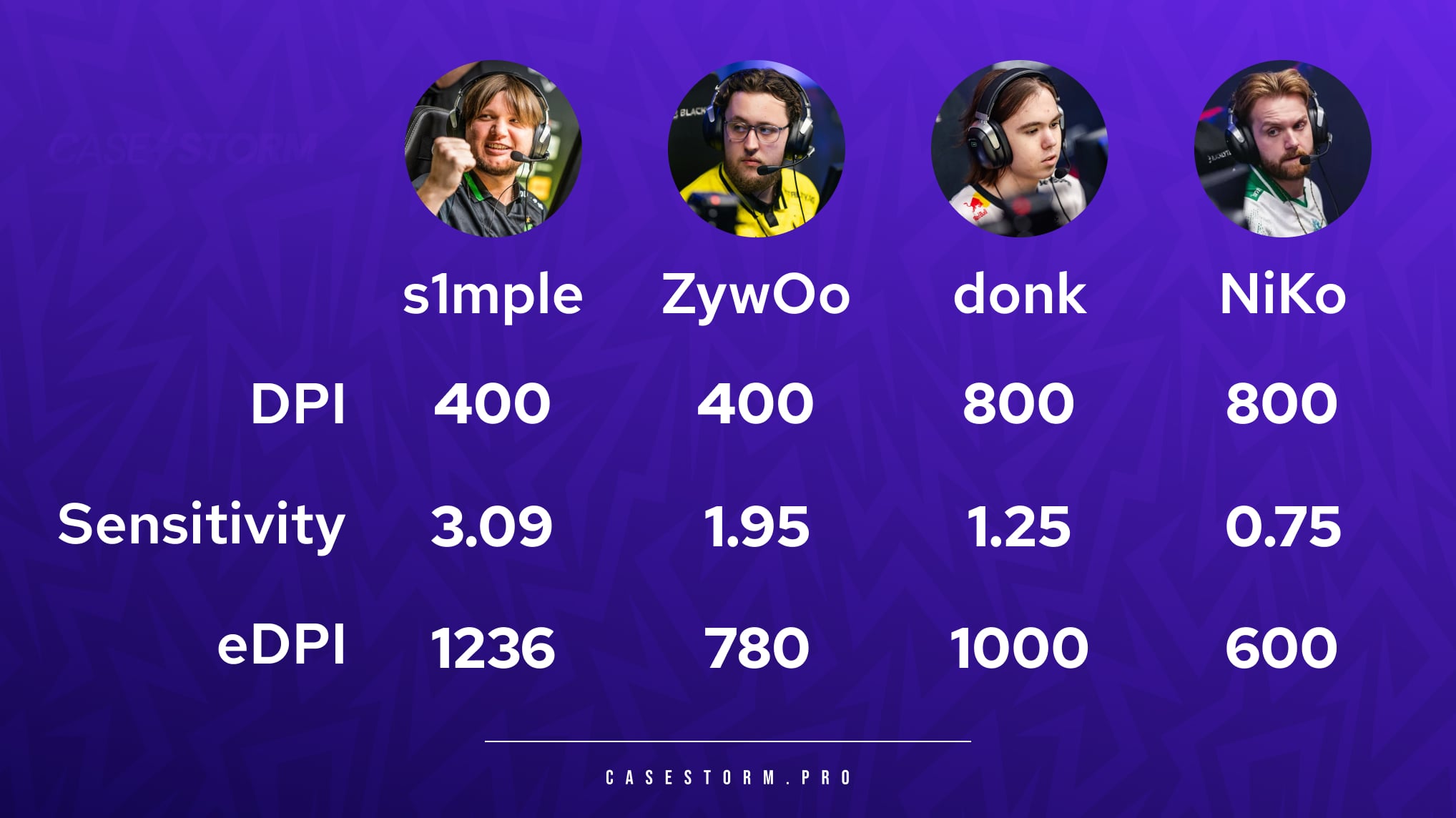
One of the most common questions players ask is what sensitivity professional players use. While there is no universal answer, looking at pro settings can provide a useful starting point.
s1mple
- DPI: 400
- Sensitivity: 3.09
- eDPI: 1236
ZywOo
- DPI: 400
- Sensitivity: 1.95
- eDPI: 780
donk
- DPI: 800
- Sensitivity: 1.25
- eDPI: 1000
NiKo
- DPI: 800
- Sensitivity: 0.75
- eDPI: 600
These examples show that even the best players in the world use different settings. There is no single best CS2 sensitivity that works for everyone.
How to Find the Best Sensitivity for CS2
Muscle Memory
Playstyle
Your role and playstyle should influence your sensitivity choice.
Lower sensitivity is often preferred by:
- AWP players
- Passive riflers
- Anchor players
Higher sensitivity is often preferred by:
- Entry fraggers
- Aggressive riflers
- Players who rely on quick flicks
Comfort
High vs Low Sensitivity in CS2
High Sensitivity
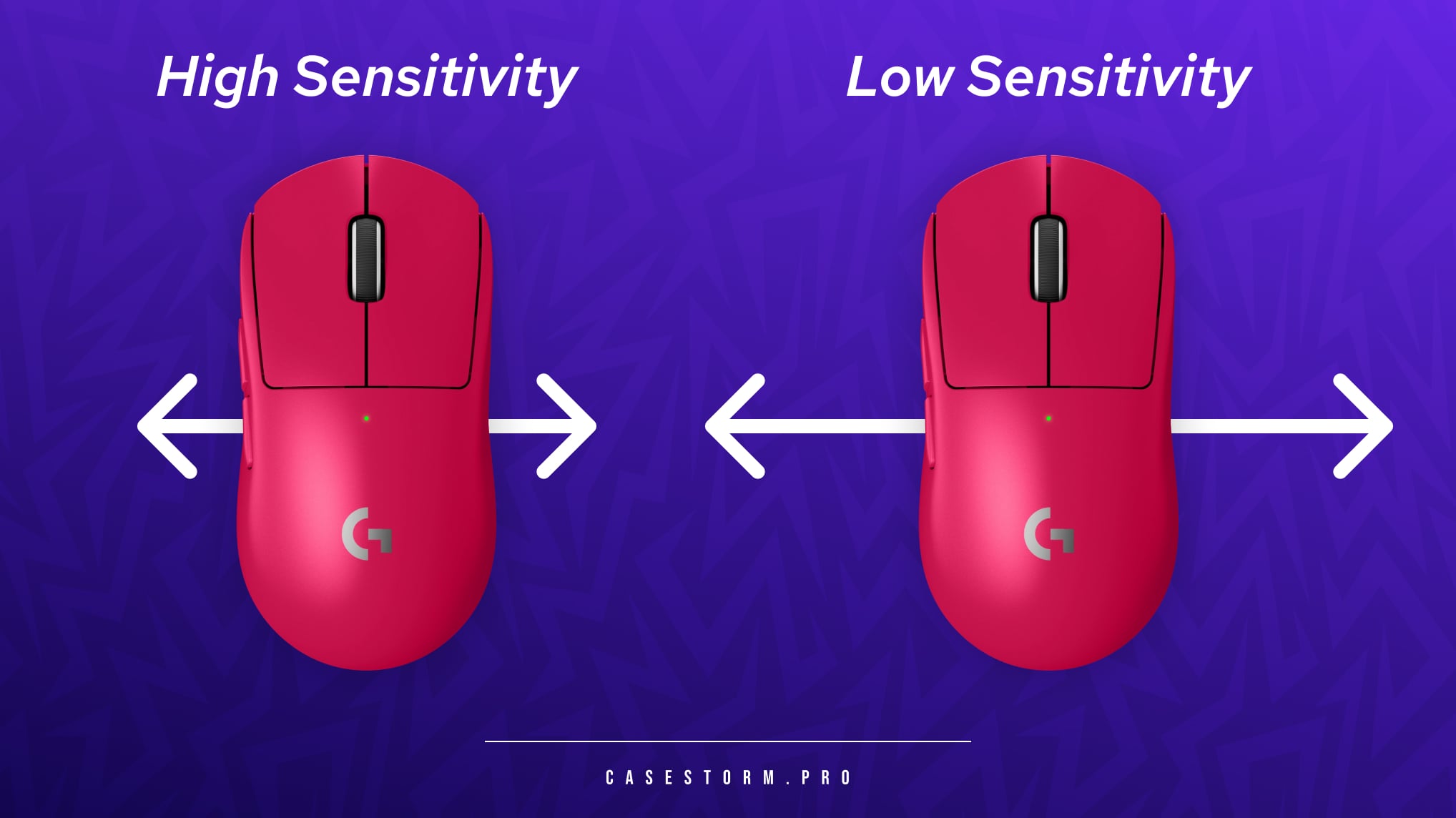
Advantages:
- Faster crosshair movement
- Easier flick shots
- Better for close-range engagements
Disadvantages:
- Less precise aiming
- More difficult recoil control
- Higher risk of overshooting targets
Low Sensitivity
Advantages:
- Greater precision
- Better long-range accuracy
- Easier tracking and spray control
Disadvantages:
- Slower reactions when turning
- Requires larger mouse movements
- Benefits from a larger mousepad
Which CS2 Sensitivity Is Best?
There is no perfect sensitivity that works for every player. The best CS2 sensitivity settings depend on your preferences, equipment, and playstyle.
As a general rule:
- Choose lower sensitivity if you prioritize accuracy and long-range precision.
- Choose higher sensitivity if you prefer aggressive gameplay and fast reactions.
- Stay consistent with your settings to develop strong muscle memory.
Many players find their ideal setup somewhere between 800 and 1400 eDPI, making it an excellent range to start experimenting with.
Final Thoughts on the Best CS2 Sensitivity Settings
Finding the best CS2 sensitivity settings takes time, experimentation, and practice. While professional player settings can provide a useful reference point, your own comfort and consistency should always come first.
Start with a reasonable DPI and sensitivity combination, stick with it for several days, and make small adjustments only when necessary. Once you find a setup that feels natural, you'll notice improvements in your aim, crosshair placement, and overall performance.
The best sensitivity for CS2 is ultimately the one that allows you to play confidently, comfortably, and consistently.